The Mac in everyday school life.
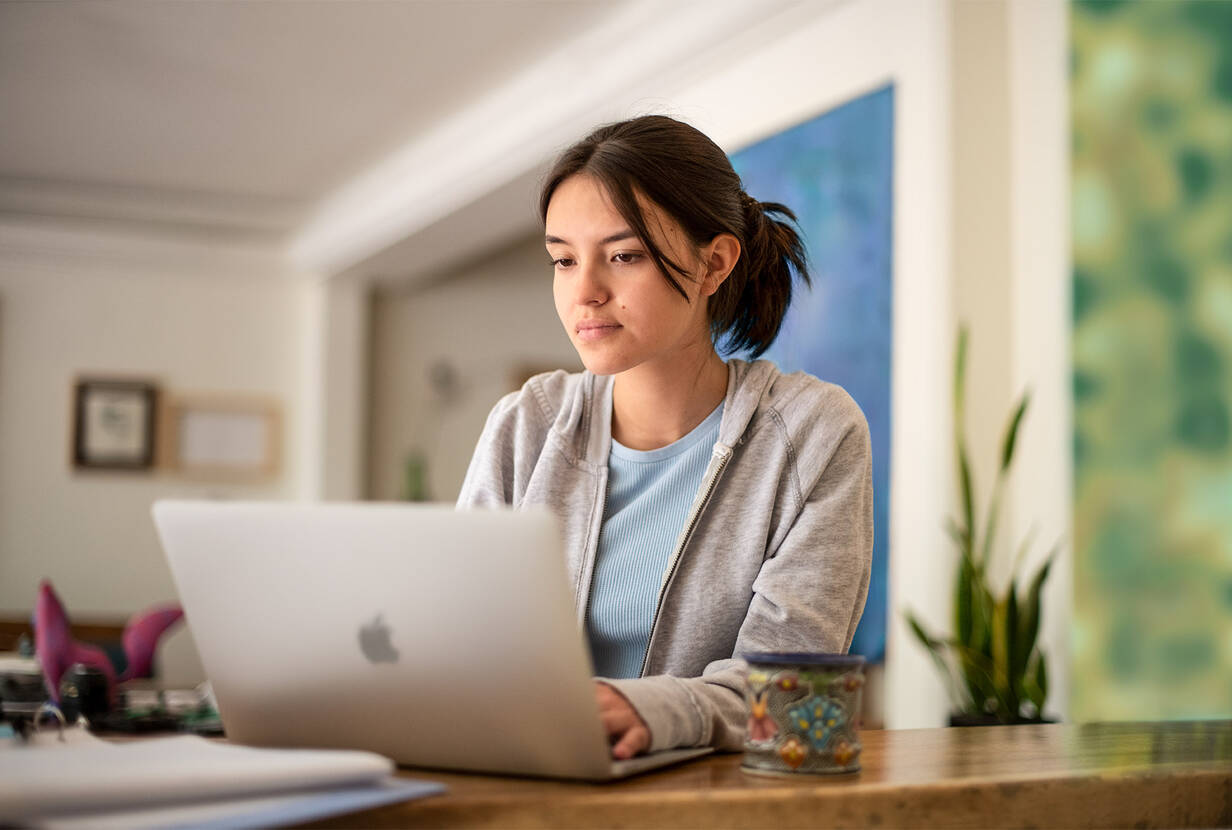
Innovative teaching with powerful computers - at school, at home or on the move.
Modern tablets have impressive productivity. Nevertheless, there is work that can be done more comfortably and easily on a desktop computer or a laptop. Screen sizes of up to 27 inches make it possible to view the smallest details, and complex school projects such as editing videos and audio files are no problem thanks to powerful processors. If, in addition, peripheral devices such as printers or back-up solutions are used for administrative tasks, the use of a desktop computer or a notebook is also recommended.
A MacBook Air is therefore the ideal complement to the iPad. With it, teachers can make lessons innovative and varied, convey knowledge in a creative way and thereby inspire their learners.
Ten good reasons why you should work with a Mac as a teacher device.

The Mac is user-friendly.
The user-friendliness of the Mac is proverbial. And anyone who has already worked with an iPhone or iPad will immediately find their way around the Mac's intuitive user interface – without the need for thick manuals. Existing teaching materials can be easily migrated from the old computer to the new Mac, and connecting peripheral devices (printer, monitor) is child's play – missing drivers are a problem of the past.

The Mac awakens the creative potential in you.
The on-board creative and productive apps such as Pages, Numbers, Keynote, GarageBand or iMovie are intuitive to use and enable every user to produce professional-looking documents and media thanks to the integrated templates. And those who want more are sure to find their personal favorite creative app among more than 100,000 apps in the “Education” category of the App Store.

The Mac combines the best of both worlds.
Microsoft Office programs (PowerPoint, Excel, Word) also work flawlessly on the Mac. For teachers, this means that they can continue to work in their familiar environment and use existing teaching materials 1:1 on the Mac. Conversely, documents created on the Mac can be exported into a variety of standardized file formats and thus easily shared with other colleagues. And if need be, a Mac can also run Windows.

The Mac helps you work flexibly.
The tools of the Apple platform work perfectly together and allow you comprehensive mobile productivity: No matter where you are and which Apple device you are currently using – all files are always up-to-date and can be supplemented or revised at any time – in spare time, on the road or from home. The Mac helps you to complete your daily tasks more easily and flexibly.

The Mac simplifies collaboration.
With Airdrop, you can easily share large documents, photos, videos, and web pages wirelessly with other Apple devices in the area. With cloud syncing, all documents are available on all devices at all times and can be shared with other users using the Collaboration feature to work together in real time on common classroom projects.

The Mac is stable and secure.
Apple devices are far less vulnerable to malware and viruses than other operating systems due to the close integration of hardware and software. Stored data is automatically encrypted, and new apps are checked for known security problems before they are run. And thanks to the excellent symbiosis of hardware and software, the maintenance effort is reduced to a minimum.

The Mac offers software and hardware from a single source.
Apple offers a complete ecosystem of hardware, apps, and services for education. High-quality end devices combined with macOS, the modern operating system, and specially developed apps make the Mac a powerful and reliable companion for teachers. This is especially true for the mobile devices, which are ready for use within seconds and last a whole working day thanks to the extremely long battery life.

The Mac has a high-value retention.
Thanks to the high-quality hardware that looks good even after years of use and the long up-to-dateness through software updates, Apple devices have a comparatively low depreciation – and this benefits you when you buy a new Mac: with Apple Trade In you can exchange your old device for a credit for a new one – and thus save cash.

The Mac is sustainable.
The materials used in the new MacBook Air and its manufacturing process are designed with sustainability in mind: The enclosure is made from 100% recycled aluminum to minimize its environmental impact – without compromising on quality. Because the longer the device is used, the better it is for the planet. And old, no longer functional devices are recycled free of charge to minimize the amount of raw materials mined.

With the Mac, data protection is written in capital letters.
Apple attaches great importance to data protection and the privacy of its customers – which is a significant factor, especially in the school environment! The corresponding technology is already incorporated into the development of the devices and is continuously being further developed. Apple focuses above all on data economy, anonymization, and encryption: the Safari web browser, for example, prevents user data from being passed on across several websites, thus making it more difficult to create personalized user profiles.
MacBook Air 15".
A spacious display for everything teachers need.
The 15-inch MacBook Air is great for multitasking and lesson planning on its Liquid Retina display. Supercharged by the M2 chip, it delivers up to 18 hours of battery life for a full day of lessons. And it’s ultraportable for teachers on the go.


Mac mini.
More muscle. More hustle.
Mac mini with the M2 or M2 Pro chips packs the speed teachers need to get more done faster. With the first Pro chip in a Mac mini. A desktop computer that fits into any setup – regardless of what system landscape is already in place.

Sustainability.
Reuse of raw materials and proper recycling/disposal are central to us.
DQ Solutions is constantly improving and wants to work sustainably in the long term. Great efforts are made to act as environmentally and climate friendly as possible and to handle resources carefully.

Techsave device cleaning
Unique in Switzerland. The cleaning solution for laptops and smartphones with liquid damage of any kind. Successfully and sustainably used by us for you.

Marine Conservation
Support the marine conservation organisation Sea Shepherd by buying a cool merchandise item. Make an active contribution to the protection of the oceans and their inhabitants.

Device trade-in
Do you still have Apple devices that no longer meet your requirements and would like a replacement? You can trade in your old Apple devices directly at our branches.

Reforestation
Help reduce harmful CO₂ emissions and minimise your ecological footprint. By purchasing an Apple device from DQ Solutions, you automatically trigger the planting of a tree.

Demo units
Demo units are units that have been used either for exhibition purposes or, for example, for use at trade fairs. All demo units are inspected, generally undamaged and have at most minor signs of use.

Climate-neutral transports
DQ Solutions transports all goods climate neutrally between the branches and the central warehouse. The compensation is made through the support of international climate protection projects by myclimate.

Recycling
SWICO - We are a member of the trade association representing the interests of the ICT and Internet industry and dispose of/recycle electrical and electronic equipment in a professional, environmentally friendly and resource-oriented manner.


