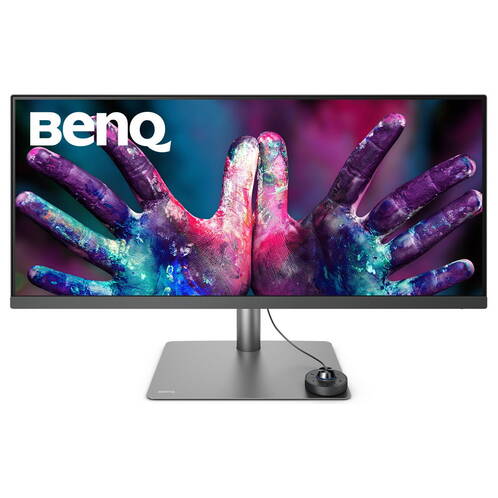
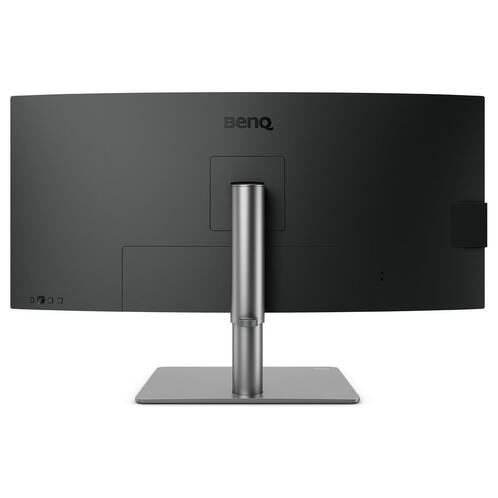
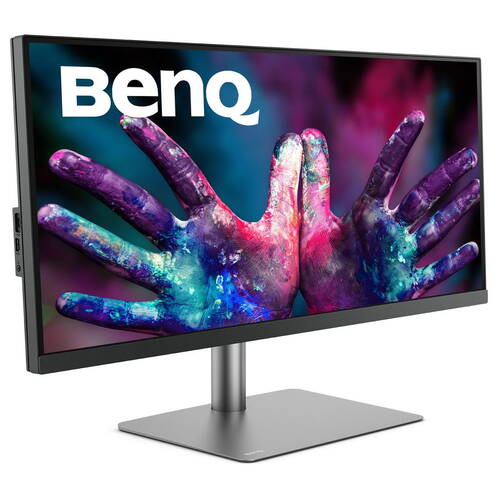
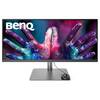
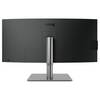
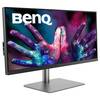
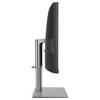
BenQ 34" PD3420Q UWQHD Display3440 x 1440px, Black/Grey
Part No: mb3420 / Manufacturer-Part-No.: 9H.LJHLB.QBE

699.– CHF
- max 350 nt
- Contrast ratio: 1000 :1
- Refresh-Rate: 60 Hz
- More features: Tiltable, Height Adjustable, Pivot, Swivel
- Connections: USB 3.1 Typ-A, USB 3.1 Typ-C, Thunderbolt 3 (USB-C), HDMI, DisplayPort
Product information
Description
BenQ 34" DesignVue UWQHD Monitor PD3420Q
Professional 34" graphics and design monitor with IPS panel
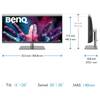
- Anti-glare 34" display with a resolution of 3440 x 1440 pixels (21:9 ultrawide)
- IPS panel with high colour fidelity (1.07 billion colours, 100% sRGB/Rec.709, 95% DCI-P3), 350 cd/m² brightness, 5 ms response time
- Darkroom, CAD/CAM and animation presets, "Eye Care" (flicker-free, low blue light)
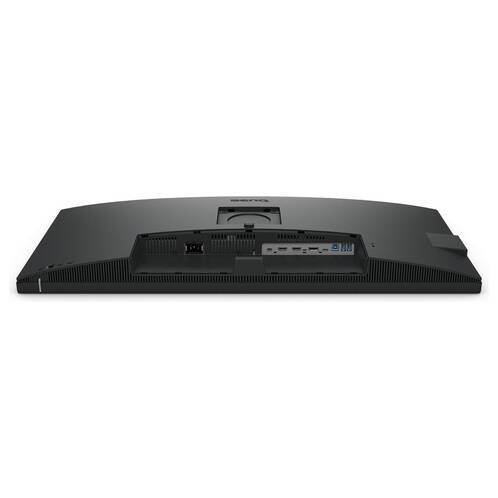
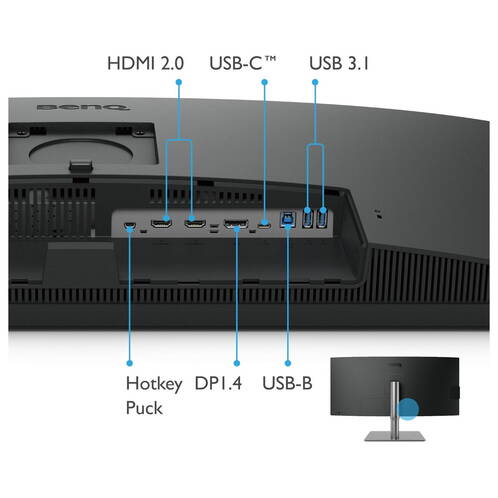
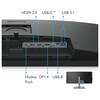
- Video connections: 2x HDMI, 1x DisplayPort, 1x USB Type-C (PowerDelivery 65W, DisplayPort alt mode, data)
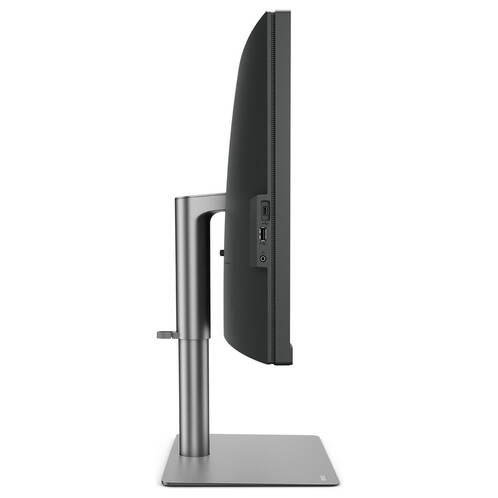
- Integrated speakers, USB 3.0 hub (3x downstream USB-A, 1x USB-C), KVM switch function
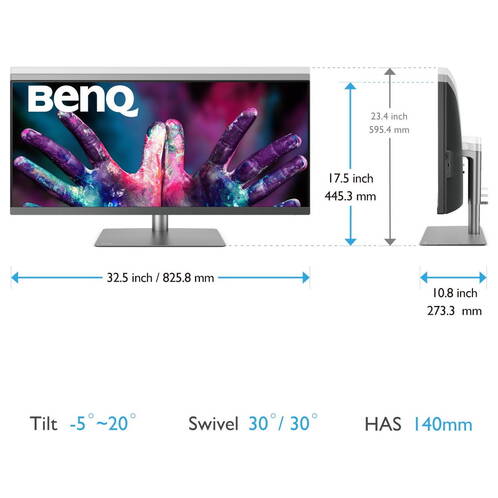
- Ergonomics: height adjustment, swivel, tilt, VESA
The BenQ PD3420Q is an ultra-high-resolution, HDR10-capable monitor with a 21:9 ultrawide aspect ratio for professional users in the graphics, CAD and creative sectors. It delivers very high colour fidelity with 10-bit colour depth and 100% sRGB and Rec.709 colour space coverage. Use one of the three display modes (Darkroom, CAD/CAM, Animation) to accentuate specific image details and make editing, visualising and creating easier.
Display modes
Darkroom mode adjusts the brightness and contrast of images to show details more clearly and sharply, making it easier to work in darkened post-processing rooms. CAD/CAM mode offers very high contrast to emphasise lines and edges in technical illustrations and wireframe models. Animation mode, on the other hand, enhances detail in dark shades, allowing you to easily fine-tune your animated creations while leaving areas where the feature is not needed unchanged.
Hotkey Puck and Display Pilot software
The Hotkey Puck is included in the scope of delivery. This is a wired remote control that makes navigating through the on-screen menus quicker and easier. You can assign frequently used functions to its buttons as you wish. The Display Pilot software opens up additional, interesting possibilities: For example, the desktop can be partitioned to display software content in any proportions. DualView also allows you to use different display modes in the individual partitions.
Ergonomics
The ergonomic stand gives you a great deal of freedom in terms of monitor alignment: adjust the height, turn it to the left and right or tilt it up and down. The most comfortable monitor alignment for any activity is just a flick of the wrist away. Thanks to the VESA mounting interface, you also have the option of mounting the monitor directly on a wall or using the monitor with special brackets.
KVM switch system
In addition to three digital video inputs and an integrated USB hub, the PD3420Q has some special features when it comes to connectivity: When connected to a corresponding notebook, a USB-C port serves as a practical all-in-one solution for transferring video signals, data and power (up to 65 W). An integrated KVM switch allows you to display two PC systems on one or two monitors and control them with just one mouse/keyboard combination.
Low Blue Light mode
Every display produces short-wave blue light, which is harmful to your eyes over time. BenQ's Low Blue Light technology was developed to reduce this harmful light and enable you to work more healthily. Simply switch to one of the preset "Low Blue Light" modes via the OSD menu, depending on whether you need higher colour fidelity for the respective application or simply want to work in a more relaxed manner.
IPS panel
This monitor has an IPS panel (In-Plane-Switching). IPS technology combines two major advantages. Firstly, it provides a very wide viewing angle so that several viewers can easily recognise the content at the same time. Secondly, IPS technology guarantees high colour fidelity. This monitor is therefore also suitable for more colour-sensitive applications such as image processing.
Flicker-free technology
Due to the way brightness is controlled on LED-backlit screens, some users experience flickering on the screen, which leads to eye fatigue over time. BenQ Flicker-free technology uses a special brightness control solution to reduce this effect and improve visual comfort.
Integrated USB hub
Save yourself unpleasant contortions: This monitor has an integrated USB hub. This means that suitable connection options for your peripheral devices and storage media are just a flick of the wrist away.
Specifications
Accessories in the box
Packaging content
| Cables included | DisplayPort cable, HDMI cable, USB-C cable |