Vectorworks
From initial sketch to construction documentation
CAD planning with Vectorworks
Vectorworks is a professional CAD/BIM solution – a complete package at fair prices that covers all planning tasks. Vectorworks – the CAD software for architects, designers, interior designers, landscape architects, and more.
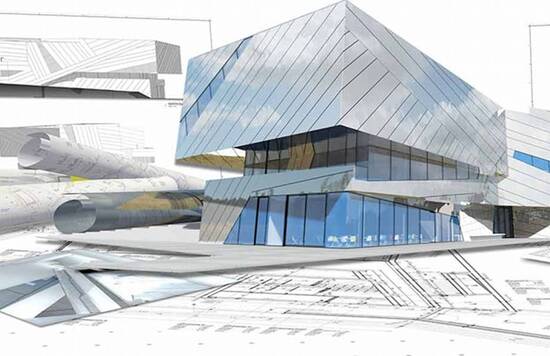
Vectorworks’ user interface is so intuitive that appealing models can be created in no time, from which graphically sophisticated plans are derived. Work simultaneously in plan, section, elevation or 3D model, depending on which project view best supports your design concept.

Modelling
From basic extrusions to subdivision modelling
Vectorworks offers a wide range of modelling functions. In addition to simple extrusions and advanced NURBS shapes, it also includes subdivision modelling technology. In fact, there is virtually no form you cannot model directly in Vectorworks – no additional software is required.
Visualisation
Cinema 4D render engine included
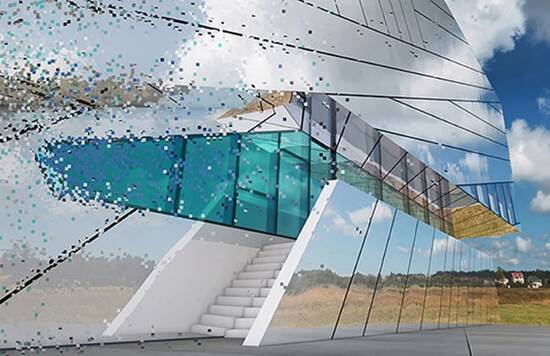
The Cinema 4D® render engine is included in all Vectorworks versions. With this technology, photorealistic visualisations of the highest quality can be generated with a single click. Even beginners can assign materials to components and customise Renderworks to suit their needs.
The latest Vectorworks version also features AI-powered image generation. This forward-looking technology is integrated directly into Cloud Services: an artificial intelligence that generates sophisticated visualisations of your models. No installation, no export – without interrupting your workflow, you can instantly explore different visual concepts for your project at any planning stage.
Drafting details
Extensive graphic options for sophisticated plans
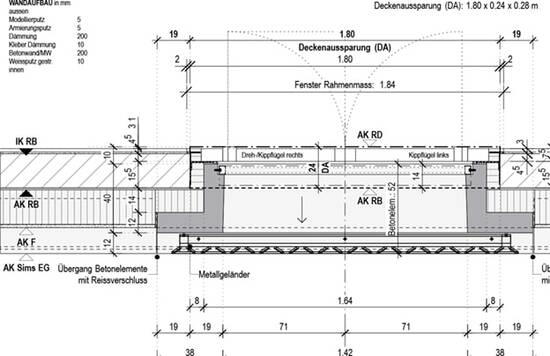
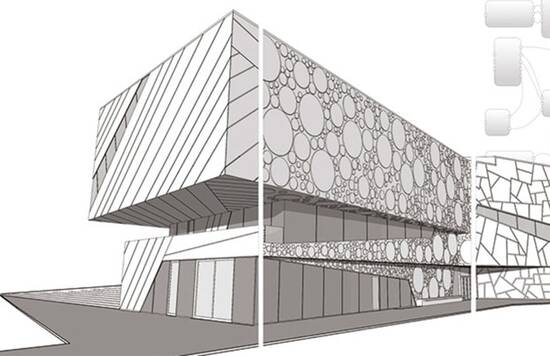
Vectorworks offers numerous advanced graphic capabilities, such as unlimited colours with extensive colour libraries (RAL, Pantone, etc.), transparency (any element can be adjusted to any opacity level), image integration, infinite hatches, line types, line weights and much more. For demanding plan output, Vectorworks is undoubtedly one of the most powerful CAD tools available.
Programming
Parametrise and script CAD functions
Why should designers program in CAD? There are always situations in design or construction where multiple variants need testing. Rather than rebuilding a model or redrawing a detail repeatedly, you can parameterise all CAD functions in Vectorworks to create your own custom tools. Vectorworks includes both visual scripting (Marionette) and a professional programming language (Python).

Team collaboration
Project sharing on your own server or in the cloud
For larger projects, it’s efficient to enable multiple team members to work on the same project. Vectorworks includes Project Sharing functionality. The master project is stored on your own server or in the cloud, and team members work on local copies, sending changes back as needed. Project Sharing can be comprehensively administered as required.
BIM
Optimal, integrated planning
Building Information Modelling (BIM) is not software but a planning methodology. With a CAD solution, models are built and exported via the IFC interface for specialist planners (Open BIM). All planners’ models are then merged, coordinated and checked for clashes. Required corrections are implemented by each planner in their respective CAD system, continuously improving the models and enabling optimal, integrated planning.
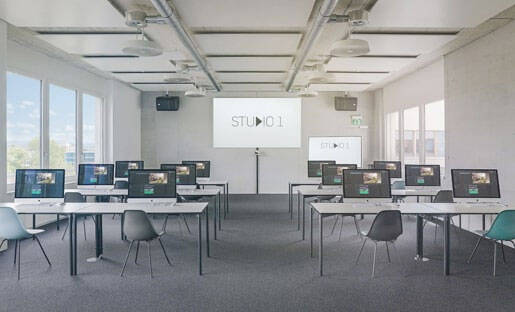
Vectorworks – training, consulting and implementation
For beginners, switchers, advanced users and professionals
Benefit from our long-standing CAD and BIM expertise gained through professional practice and academic teaching. We offer tailored services around Vectorworks – from individual coaching and in-house training to professional consulting.
Our topics include CAD fundamentals, BIM introduction, project setup and guidance, workflow optimisation and planning team coaching. Together, we develop solutions that sustainably enhance your workflows.
We’d be happy to discuss your specific requirements and prepare a customised proposal with a no-obligation quote.

Discover Vectorworks
The best way to experience all Vectorworks benefits: test it free for 30 days with full, unrestricted access. We’re happy to support your first steps, and extensive online tutorials are also available.

Learn DELTAproject
We regularly offer training courses on DELTAproject or individual modules. Details and course descriptions are available in the “Webinars” section.
For self-study or reference, our YouTube channel is also available.
More architectural solutions
Enhance the efficiency and productivity of your architecture firm with our specialised IT services.