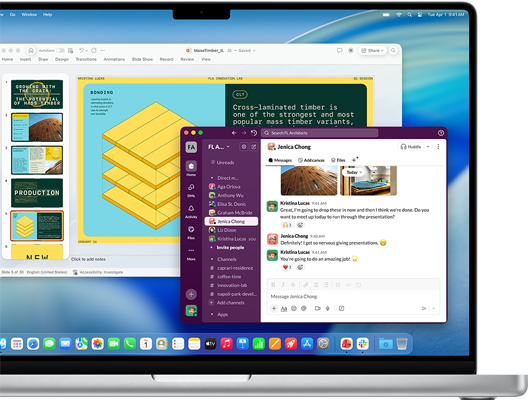
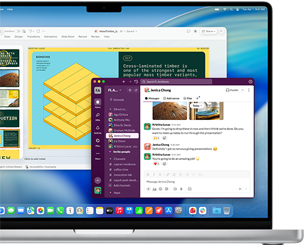
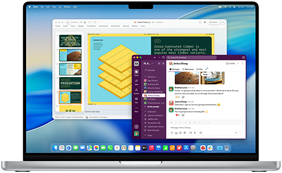
• PowerPoint presentation in one window and Slack in another window on MacBook Pro 16-inch M4 screenPowerPoint presentation in one window and Slack in another window on MacBook Pro 16-inch M4 screenPowerPoint presentation in one window and Slack in another window on MacBook Pro 16-inch M4 screen

    Easy to use.

    Effective

    immediately.

    Just like iPhone and iPad, Mac is simple to learn and navigate.

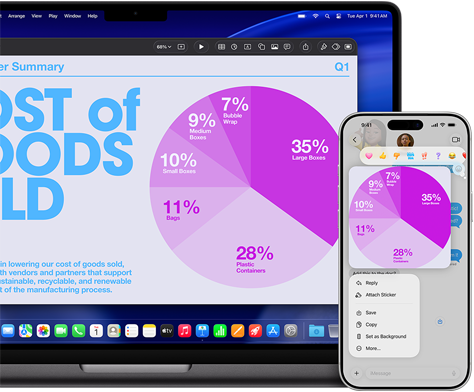
  • MacBook Pro 14-inch M5 and iPhone 17 Pro Max display the continuity of a Keynote pie chart presentation that is shared across devicesMacBook Pro 14-inch M5 and iPhone 17 Pro Max display the continuity of a Keynote pie chart presentation that is shared across devicesMacBook Pro 14-inch M5 and iPhone 17 Pro Max display the continuity of a Keynote pie chart presentation that is shared across devices
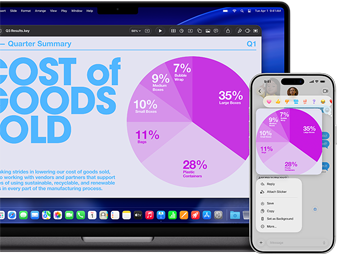
    MacBook Pro 14-inch M5 and iPhone 17 Pro Max display the continuity of a Keynote pie chart presentation that is shared across devicesMacBook Pro 14-inch M5 and iPhone 17 Pro Max display the continuity of a Keynote pie chart presentation that is shared across devicesMacBook Pro 14-inch M5 and iPhone 17 Pro Max display the continuity of a Keynote pie chart presentation that is shared across devices

    Keep up the

    good work.

    Across devices.

    Access, update, and share files instantly across your Apple devices.

  • Built‑in

    security.

    Always on.

    From malware protection to advanced encryption, Apple’s security makes it simple to keep your employees, devices,  
    and data safe.

  • Your go-to business apps are a go.

    Keep using the apps you know and love.

    Your go-to business apps are a go.

    Keep using the apps you know and love.
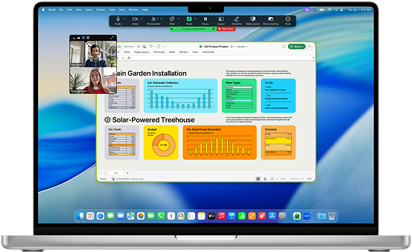
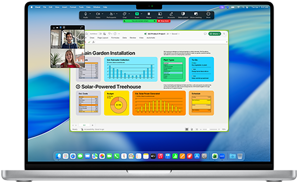
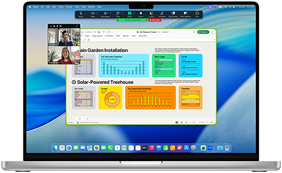
    MacBook Pro 16-inch M4 screen shows a business Zoom call with one person screen sharing an Excel window that displays data and chartsMacBook Pro 16-inch M4 screen shows a business Zoom call with one person screen sharing an Excel window that displays data and chartsMacBook Pro 16-inch M4 screen shows a business Zoom call with one person screen sharing an Excel window that displays data and charts
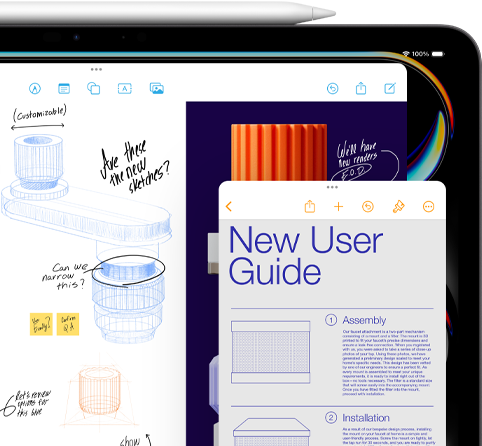
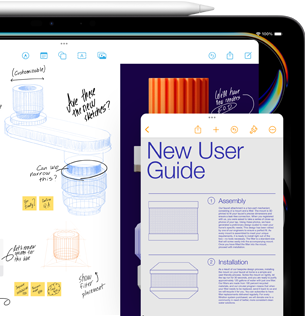
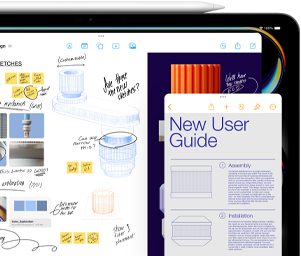
  • iPad screen with Freeform window shows sketches of mechanical product parts, while a smaller Notes window displays instructions, and an Apple pencil rests on top of iPadiPad screen with Freeform window shows sketches of mechanical product parts, while a smaller Notes window displays instructions, and an Apple pencil rests on top of iPadiPad screen with Freeform window shows sketches of mechanical product parts, while a smaller Notes window displays instructions, and an Apple pencil rests on top of iPad
    iPad screen with Freeform window shows sketches of mechanical product parts, while a smaller Notes window displays instructions, and an Apple pencil rests on top of iPadiPad screen with Freeform window shows sketches of mechanical product parts, while a smaller Notes window displays instructions, and an Apple pencil rests on top of iPadiPad screen with Freeform window shows sketches of mechanical product parts, while a smaller Notes window displays instructions, and an Apple pencil rests on top of iPad

    Multitask.
    Megafast.

    Get more done without slowing down. That’s the power of Apple silicon.

    Multitask.
    Megafast.

    Get more done without slowing down. That’s the power of Apple silicon.

    Multitask.
    Megafast.

    Get more done without slowing down. That’s the power of Apple silicon.

  • Put

    updates

    on autopilot.

    Automatic software updates help secure your operating system without extra work or cost.
    Put

    updates

    on autopilot.

    Automatic software updates help secure your operating system without extra work or cost.
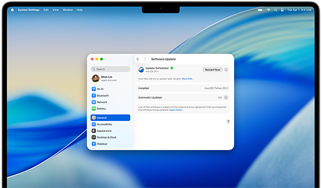
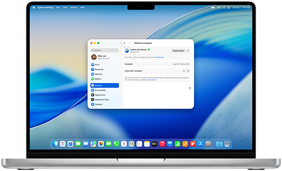
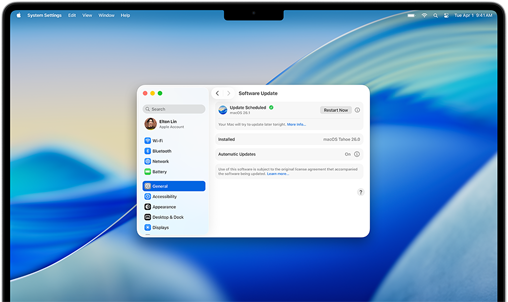
    MacBook Pro 16-inch M4 screen shows a scheduled Software Update within System SettingsMacBook Pro 16-inch M4 screen shows a scheduled Software Update within System SettingsMacBook Pro 16-inch M4 screen shows a scheduled Software Update within System Settings
    MacBook Pro 16-inch M4 screen shows a scheduled Software Update within System SettingsMacBook Pro 16-inch M4 screen shows a scheduled Software Update within System SettingsMacBook Pro 16-inch M4 screen shows a scheduled Software Update within System Settings
  • Add apps.Refer to legal disclaimers.

    Set settings.

    Super simple.

    Apple Business Manager makes it easy to remotely manage company‑owned Apple devices.

    Add apps.Refer to legal disclaimers.

    Set settings.

    Super simple.

    Apple Business Manager makes it easy to remotely manage company-owned Apple devices.
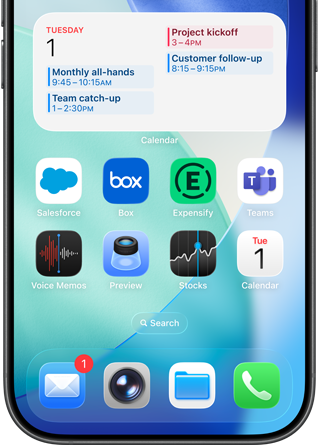
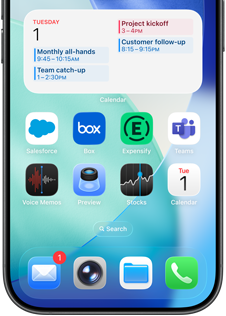
    iPhone home screen displays a variety of business and productivity apps, with a detailed work schedule in Apple CalendariPhone home screen displays a variety of business and productivity apps, with a detailed work schedule in Apple CalendariPhone home screen displays a variety of business and productivity apps, with a detailed work schedule in Apple Calendar
  • Built to work.

    Built to last.

    Designed with seriously strong aluminum, Mac computers are exceptionally well built and ready for anything.


    Designed with seriously strong aluminum, Mac computers are exceptionally well built and ready for anything.

    14-inch MacBook Pro, Silver color, closed, 16-inch MacBook Pro, Space Black color, closed14-inch MacBook Pro, Silver color, closed, 16-inch MacBook Pro, Space Black color, closed14-inch MacBook Pro, Silver color, closed, 16-inch MacBook Pro, Space Black color, closed